ILLVMIN8R

Stage · Gallery · Screen

Visual performance instrument by 0010x0010. Make any visual instantly audio reactive.

App Interface

The Instrument

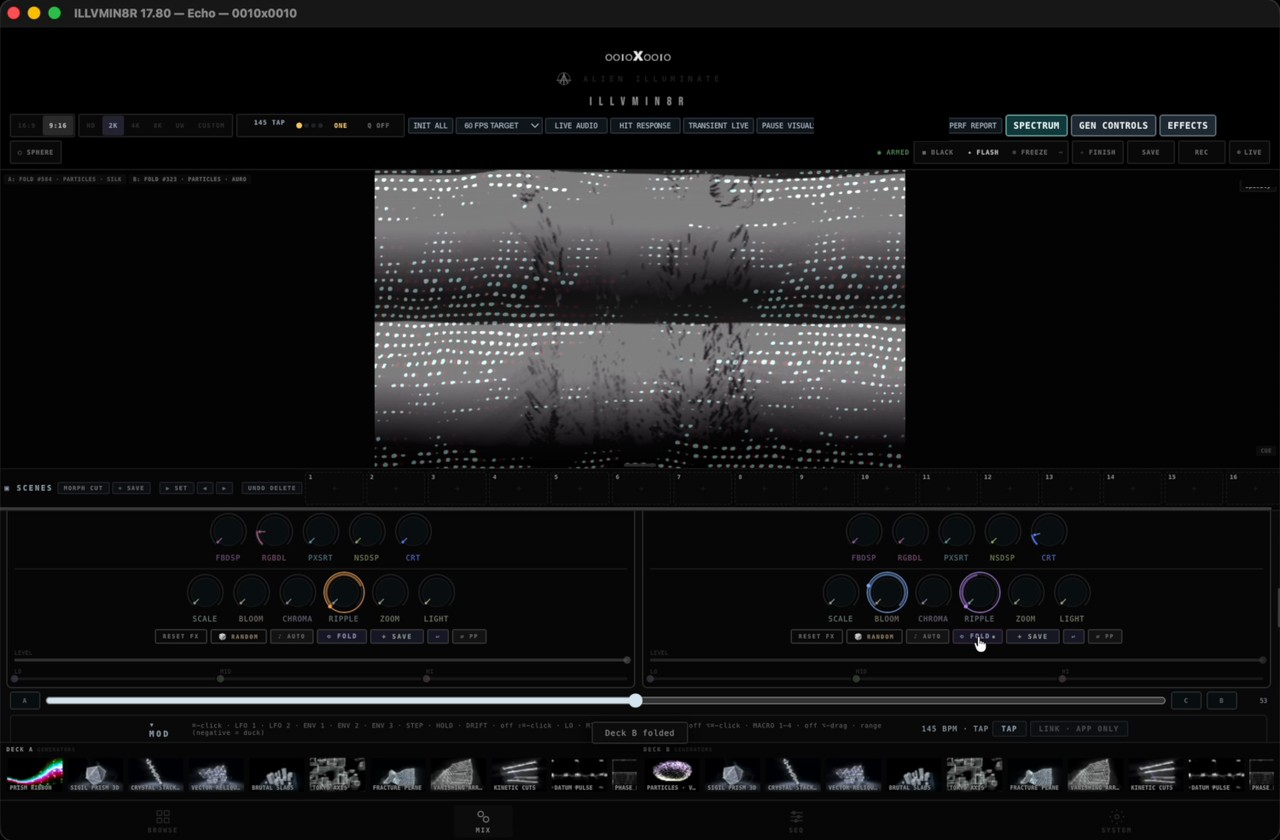
Two channels with 16-slot decks, a crossfader, and a monitor with a cue preview of what comes next. Each channel has 17 effects, six audio-reactive responses and its own colour palette. Above the monitor sits a chain of passes that work on the whole mix, from fluid simulation to a film-style finish. Sixteen scenes store whole looks and recall them on the bar.

The ILLVMIN8R interface with an artwork on the output monitor, scene slots, the modulation panel and two decks of footage
Channel controls: generator controls, GEN MOD and the effect knobs for both channels The Browse tab showing the My Media library next to the generator families
⎚
Dual Channel
Two independent decks with 16 slots each. Mix artworks, video, images and generators with 15 blend modes, 13 wipes and 5 split-screen layouts on the crossfader.
◎
17 FX Per Channel
Seventeen effects per channel with real-time control over every parameter, plus six audio-reactive responses: scale, bloom, chroma, ripple, zoom and light.
▦
Stage Layers
Two more layers over the A/B mix, each with its own generator, blend mode, mask and opacity, drifting and swapping over a set number of bars.
▶
Output
A dedicated output window for projectors and LED walls, with fit, fill or stretch. Record your mix to MP4 at up to 8K.
Video & Images

Artwork in the Mix

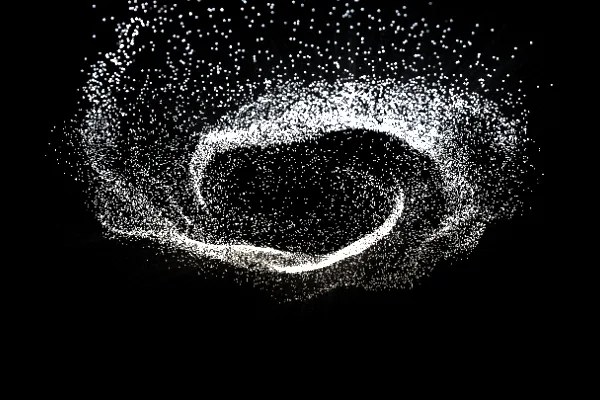
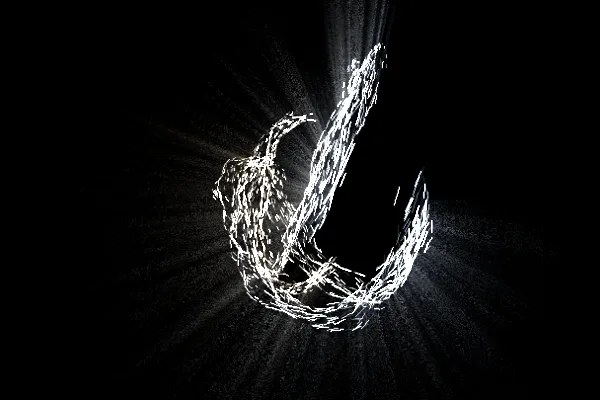
ILLVMIN8R is not only geometry. Load 0010x0010 artworks or your own video and images into any deck slot, make them react to sound with one click, and bend them with every effect, pass and modulation. Below: three mixes recorded live in ILLVMIN8R.

Footage · slice and displaceRecorded live
Footage · stretch and trailRecorded live
Two decks · crossfadeRecorded live
Build 17.80

Recorded in the App

Three takes from the current build, captured straight from the screen: GPU particles that shadow themselves, the data engines folded and mirrored, and two particle generators mixed across the decks.

GPU particles · self-shadowedScreen recording
Data engines · foldedScreen recording
Particles · two decksScreen recording
ILLVMIN8R 17.80 with a self-shadowed particle shell on deck B ILLVMIN8R 17.80 with a data generator folded across the output ILLVMIN8R 17.80 mixing two particle generators
Generative Engines

187 Built-In Generators

Twelve families of generators, all drawn in real time and all reacting to sound and MIDI. Combine them with your own video and images.

Generative · 33
Geometric and sculptural line engines in 2D and 3D, including the original ILLVMIN8R set.
Data · 31
Black-and-white data visuals: barcodes, digit columns, lattices, scopes and scans.
Organic · 17
Living forms: membranes, folded petals, liquid metal, filaments and plumes that breathe with the sound.
Signal Lab · 18
Trigger-driven signal visuals that fire and fold on every hit.
Modular · 17
Analog-style video synthesis built from ramps, folds and shape logic.
March · 20
Raymarched 3D scenes with real light, soft shadows and fog.
Depth · 8
Pictures and live decks turned into depth: point clouds, scans, swarms and meshes.
Flow · 11
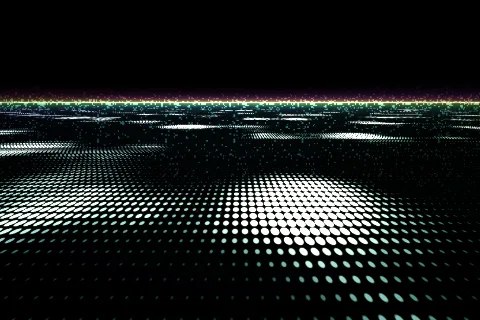
Flow fields and drifting terrains where the sound lands in moving zones.
Particles · 12
A GPU particle system with up to a million particles.
Lumen · 10
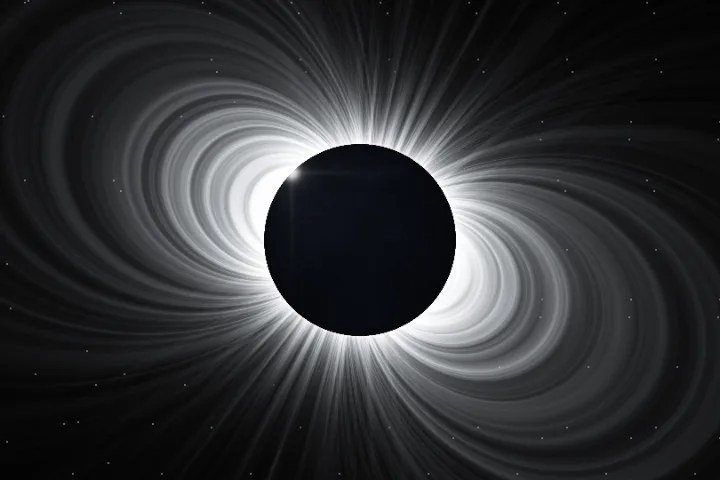
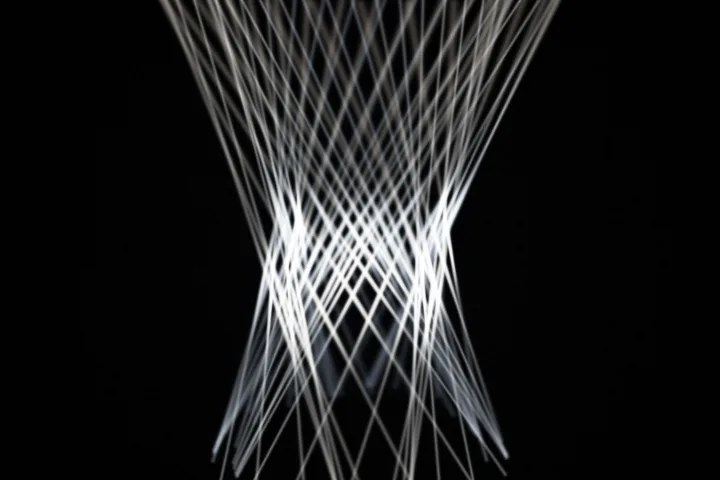
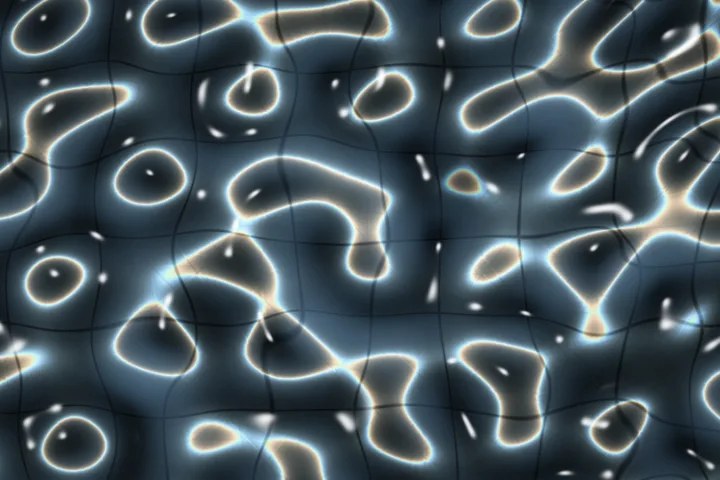
Light pieces drawn pixel by pixel: a prism ribbon, an eclipse, taut strings, a lit relief and water caustics.
Fuse · 6
New generators folded out of two others, so one bends and cuts the other.
Splat · 4
Gaussian splat scenes, including your own .ply or .splat files.

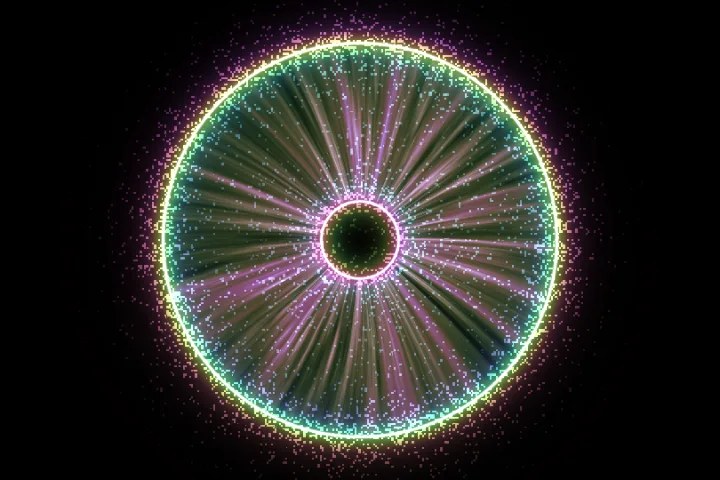
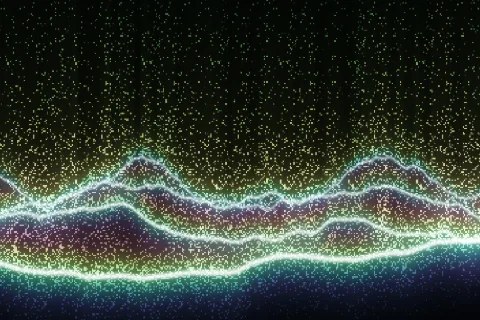
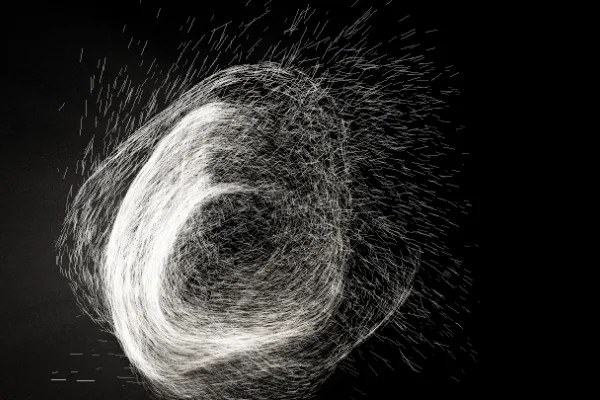
Below: a selection of the classic engines, running live in your browser.

Capabilities

Built for Performance

Everything an audiovisual artist needs. Built for the stage, the gallery, and the screen.

♫
Audio Reactive
The easiest way to make any visual audio reactive. Connect any audio source and three tunable frequency bands drive the picture. Per-band Q bandwidth (0.1–4.0 octaves), gate threshold (0–100%), a real-time spectrum analyzer, and Beat Align to line the visuals up with a live sound feed. No complex routing — just play music and watch.
∿
Modulation
Put either of two LFOs, or the low, mid or high band, on any knob with a click, and set the range it may move in. The knob keeps its value; the modulation moves around it.
♩
Clock & Sync
One beat grid for the whole instrument, fed by MIDI clock, tap tempo or automatic detection, and by Ableton Link in the desktop app. Quantize holds changes until the next beat or bar.
⎈
MIDI, Keys & OSC
Right-click any control to learn a MIDI control or a keyboard key. Pad LEDs light up with the state of what they control, relative encoders are supported, and maps are kept per device. The desktop app adds OSC in and out and a phone remote.
⚄
Explore
Random FX and Random Mod roll a new look or a new set of modulations for one deck or both, gentle or wild, with undo on each. Organic Motion adds depth, turbulence and rate to keep any source moving.
▣
Scenes & Set List
A scene stores a whole look: both decks, every knob, the crossfader, the blend and every pass on the mix. Recall it on the bar, morph between scenes, and line them up in a set list.
✧
Passes on the Mix
Palette, Duo, Fluid, Loop, Trace, Sort, Splat 2D and Depth work on the whole mix: designed colour ramps, a real fluid solver, a feedback engine, laser-line tracing and true pixel sorting. Finish adds a tone curve, bloom and halation last.
◼
Blackout · Flash · Freeze
The marks a set is phrased with: a blackout with an adjustable fade, a white flash that decays, and a freeze that holds the frame while the passes keep moving it.
◈
Your Media
Drag and drop your own videos and images into deck slots. MP4, WebM, OGG, and all image formats. A library of up to 256 items is remembered between sessions, and ping-pong playback loops clips without jump cuts.
●
Export to 8K
Record the mix to MP4 through the hardware encoder: H.264 or HEVC, HD to 8K or a custom size, 30 or 60 fps, with sound. Export 16:9, 9:16 for social, or 1:1 with the mix wrapped onto a sphere.
↻
Autosave & Recovery
The project saves itself a moment after every change, so a crash or a closed window mid-set loses nothing. Decks, knobs, MIDI maps and audio settings come back on the next launch.
Effects Engine

17 Real-Time Effects

17 effects on each channel, built for live performance.

HUE
Color rotation
SAT
Saturation
SPD
Playback speed
TRAIL
Motion trails
BRGHT
Brightness
CNTRST
Contrast
WIRE
Edge detection
STRB
Strobe flash
INVRT
Invert
STRCH
Pixel stretch
TVROL
TV roll
ROFF
Random offset
FBDSP
Feedback displace
RGBDL
RGB delay split
PXSRT
Pixel sort
NSDSP
Noise displace
CRT
CRT screen
187
Generators
17
FX Per Channel
33
Blends, Wipes & Layouts
8K
Export
By 0010x0010

Built by an Artist

ILLVMIN8R is built by 0010x0010 (Ray Tijssen), a Dutch-American audiovisual artist whose work spans contemporary digital art, electronic music, and immersive installations. His art has been exhibited at spaces such as W1 London, the Museum of Contemporary Art Bangkok, and projected through Samsung’s flagship “The Wall” display. Through SQNXR, the company he co-founded, he has created tour visuals for artists like Honey Dijon and CamelPhat. He served as VFX supervisor on the Andrei Tarkovsky documentary and has been featured in Variety, Vogue, Forbes, Cultured Magazine, Mixmag Asia, Designboom, and more. His music is supported by artists like Amelie Lens, Ellen Allien, Dax J, Laurent Garnier, and Norman Nodge at venues such as Berghain, Tomorrowland, and Boiler Room — with viral videos, 2M+ monthly views, and 300K+ Instagram followers. Every generator, effect, and design decision in ILLVMIN8R comes from over two decades of video manipulating, live visual performance, and art exhibitions worldwide.

Questions

FAQ

What is ILLVMIN8R?
A visual performance instrument built by audiovisual artist 0010x0010. It lets you mix artworks, your own video and images, and 187 built-in generators on two channels, with every visual reacting to sound. Three tunable frequency bands with Q and gate controls, 17 effects per channel, 15 blend modes plus wipes and split-screen layouts, scenes, full MIDI and keyboard learn, autosave, and MP4 export up to 8K. Designed for live venue performances, museum and gallery installations, and short-form content creation.
Is the beta free?
Yes. Early access is completely free. Sign up now to secure your spot — we’ll notify you as soon as invites go out.
How does audio reactive work?
Connect any audio source and ILLVMIN8R instantly analyzes three tunable frequency bands (LO, MID, HI) to drive your visuals. Each band has adjustable Q bandwidth from razor-narrow (0.1 octaves) to wide (4.0 octaves) for isolating individual sounds, plus a gate threshold (0–100%) for staccato transient control. A real-time spectrum analyzer and envelope follower with floor/peak tracking give you full visibility. No complex signal routing — it’s the simplest yet most powerful audio reactive workflow in any VJ software.
What content is included?
ILLVMIN8R comes with 187 built-in generators in twelve families, from data visuals and video synthesis to raymarched 3D scenes, particles and Gaussian splats. You can also import your own videos and images, and your library is remembered between sessions.
Does it support MIDI controllers?
Full MIDI support with right-click learn on every control — knobs, faders, sliders, buttons, and deck slots. Maps auto-save on every learn and restore on the next launch, so your setup is always ready. CC for continuous controls, trigger mode for buttons. MIDI clock sync is also supported.
Can I use my own videos and images?
Absolutely. Import MP4, WebM, OGG video files and all common image formats directly into deck slots. Videos support ping-pong playback for seamless looping without jump cuts. Mix imported media with the 187 built-in generators and all 17 effects. Your entire session — including imported media — saves and restores automatically.
Who is it for?
VJs, visual artists, content creators, musicians, event producers — anyone who works with moving images. Whether you’re performing live on stage or creating the kind of viral short-form videos that stop the scroll.
Can I create content for social media?
That’s one of its strongest use cases. Record your mix to MP4 in 9:16, 16:9 or 1:1, at 30 or 60 fps and up to 8K — no external capture software needed. This is the same tool and workflow that 0010x0010 uses to create viral visual content with millions of views and hundreds of thousands of engagements every month.
Can I save my session and come back later?
Yes. ILLVMIN8R autosaves your project a moment after every change — loaded decks, effect states, MIDI maps and audio settings — and restores it on next launch, even after a crash. Scenes store whole looks you can recall at any time.
How do I get early access?
Click “Join Beta” and fill out a short form. We review applications and send invites in waves. Signing up early increases your chances.
Same Studio

More Instruments

PVLSE
The full groovebox. Compose through performance.
DRIFT X
Polyrhythmic drum instrument. Voltage becomes rhythm.
LIQVID
Photo and video studio. Morph, looks, generators, render.
Featured & Partnered With
Samsung Variety Vogue Forbes Designboom Cultured Mixmag BBC Radio 1
AI Agent
Online
Welcome to Alien Illuminate. I can help you learn about our services, verticals, upcoming events, or connect you with the right people. What would you like to know?