LIQVID

Photo & Video Studio · Standalone

Photo and video studio by 0010x0010. From a still to a moving picture.

App Interface

The Studio

The picture takes the left of the window. On the right, RANDOMIZE ALL and VARIATE sit above the LOOK LIBRARY and seven pages: LOOK, GENERATORS, MOTION, FORM, FX, AUDIO and SETUP. Under the picture: your media, the audio input, the transport and the render buttons.
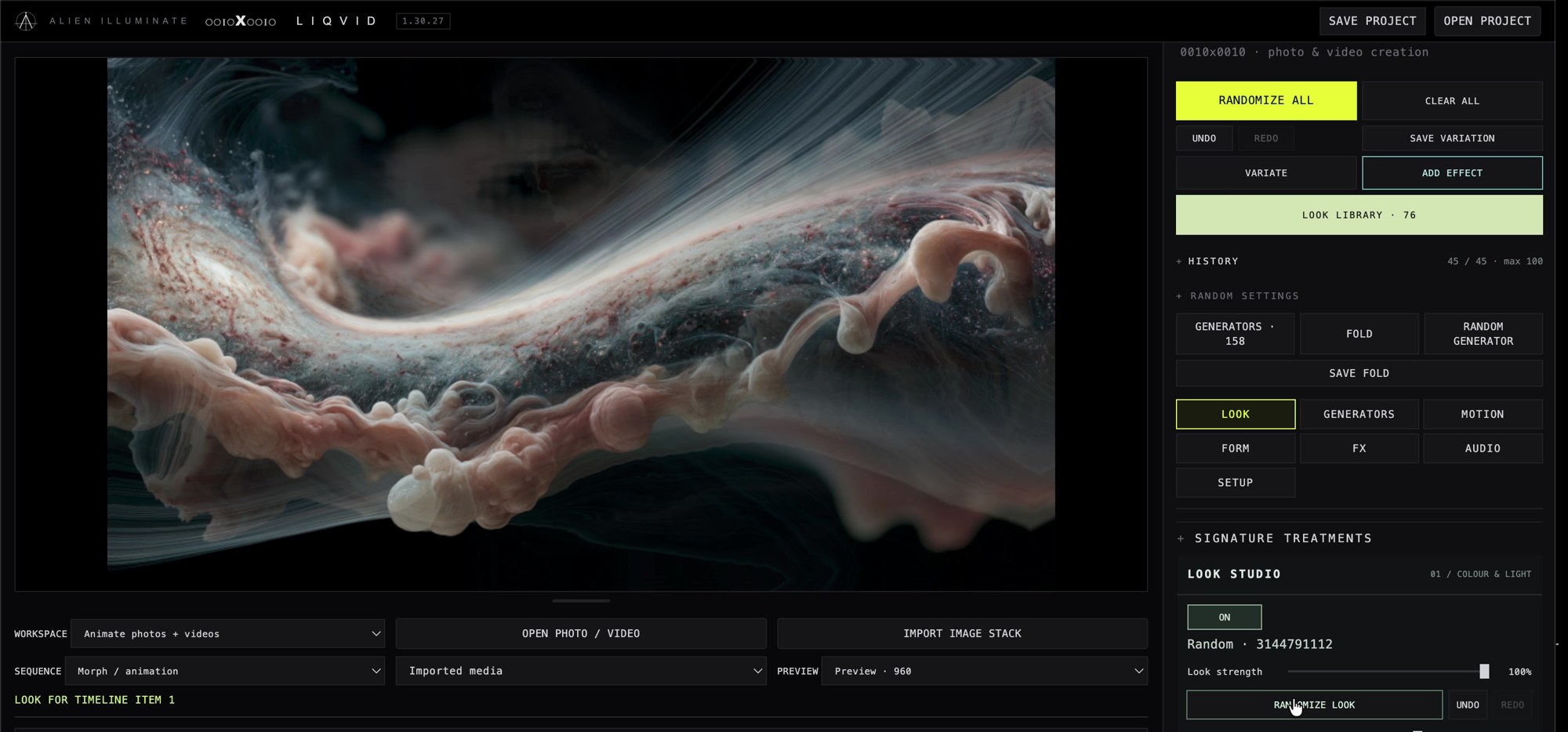
LIQVID main window with a liquid morph between photos in the preview and the LOOK page open
Animate photos + videos · LookBuild 1.30.27
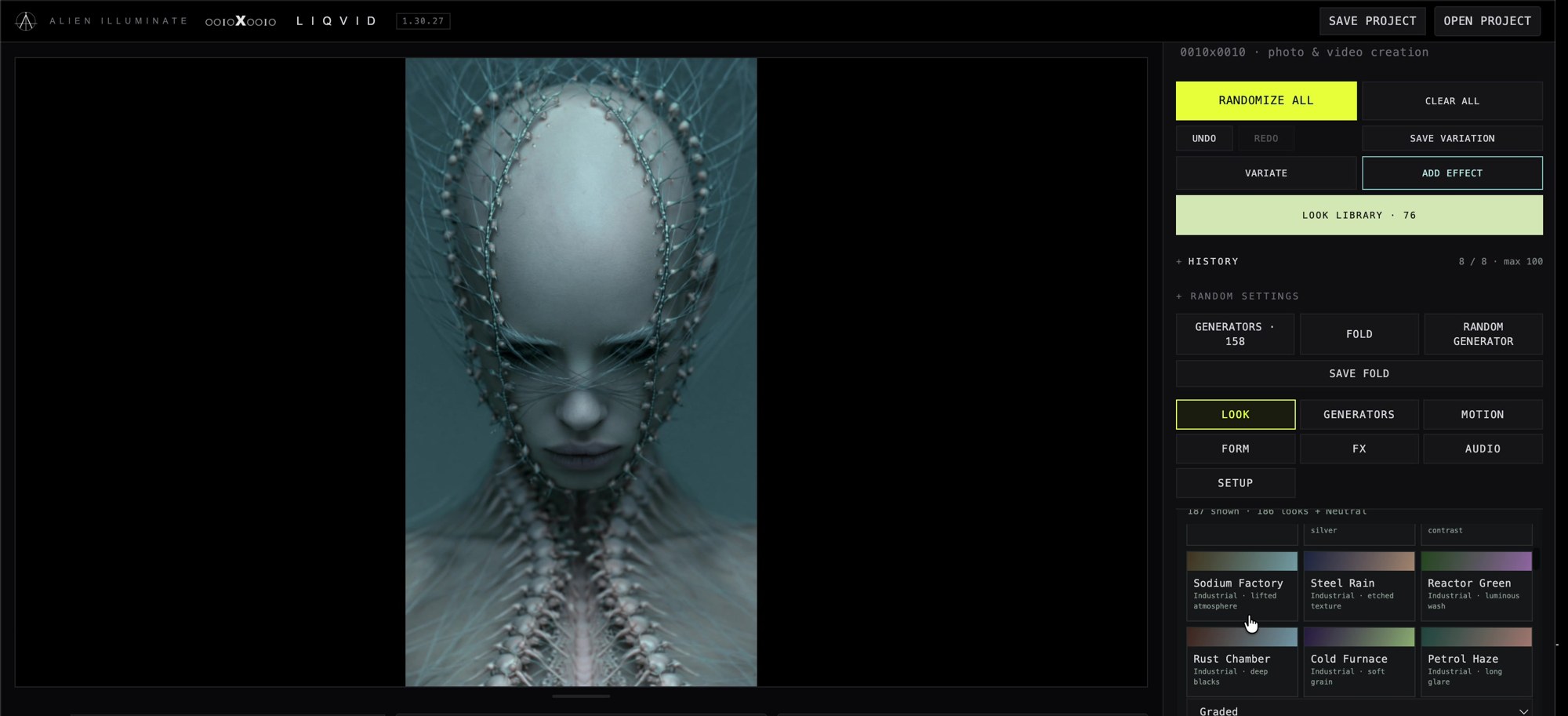
LIQVID in Photo / Video filter mode with a portrait artwork and the look library swatches
Photo / Video filter · Look LibraryScreenshot
Build 1.30.27

Recorded in the App

Short loops captured straight from the screen in the current build: a liquid morph between photos, looks and effects on the same sequence, generators rolled at random, and the look library on a single photo.

Liquid morph · between photosScreen recording
Look · colour treatmentScreen recording
FX · four slotsScreen recording
Monochrome lookScreen recording
Random generatorScreen recording
Generator · dot fieldScreen recording
Photo filter · look libraryScreen recording
Try It

Randomize, Variate, Fold

Three of LIQVID's buttons, on a small generator drawn for this page. RANDOMIZE ALL rolls a new picture, VARIATE nudges the one you have, and FOLD mirrors it.

L I Q V I D0010x0010 · photo & video creation
Look Library · 76
Generator Terrain
History 1 / 100

Interactive sketch · not one of LIQVID's 158 generators

⚄
Randomize All
One button rolls a complete picture: look, generator, motion and effects. Pin the sections you want to protect and roll the rest.
∼
Variate
Stay close to what you have and move it a little. Save a variation when you like it. History keeps the last 100 states, with undo and redo.
▧
Look Library
76 looks, sorted by category, with a strength and a chaos control. Apply one to a single photo or to a whole sequence.
▶
Render
Export a still as lossless PNG, render the piece to MP4, or render a PNG sequence for further work.
Capabilities

From a Photo to a Moving Picture

LIQVID works in two ways. Animate photos and videos into a sequence, or use it as a filter on a single photo or clip. The same looks, effects and audio tools apply to both.
▦
Photos, Video, Image Stacks
Open a photo or video, import an image stack, or drop several files on the timeline. Each timeline item can carry its own look.
≋
Liquid Morph
The MOTION page moves one image into the next. Set how far the flow runs through the frames, the seconds per transition and the speed.
◇
Sculpted Transitions
Shape the change between images with SATIN FOLD, CONTOUR FOLD or IRIS FOLD, with structure and sculpture controls.
◐
Look Studio
Exposure, colour, optics and finishing for every look, plus an ART MEDIUM stage with treatments such as Editorial colour, Silver gelatin and Graphite / drypoint.
✦
158 Generators
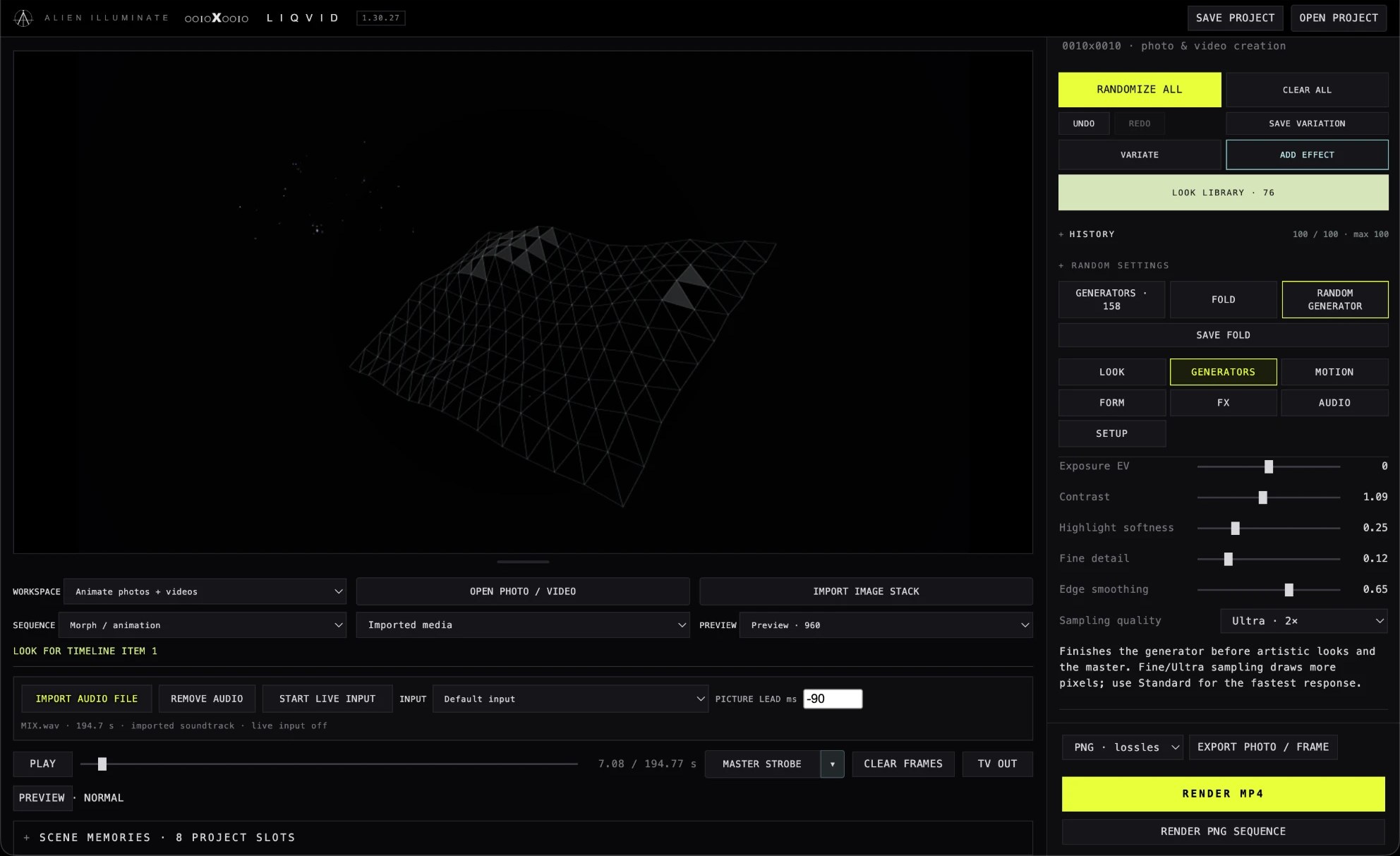
Pictures made from nothing: fields, meshes, particles and patterns. RANDOM GENERATOR rolls one for you, FOLD mirrors it, and SAVE FOLD keeps the result.
⚙
Generator Finish
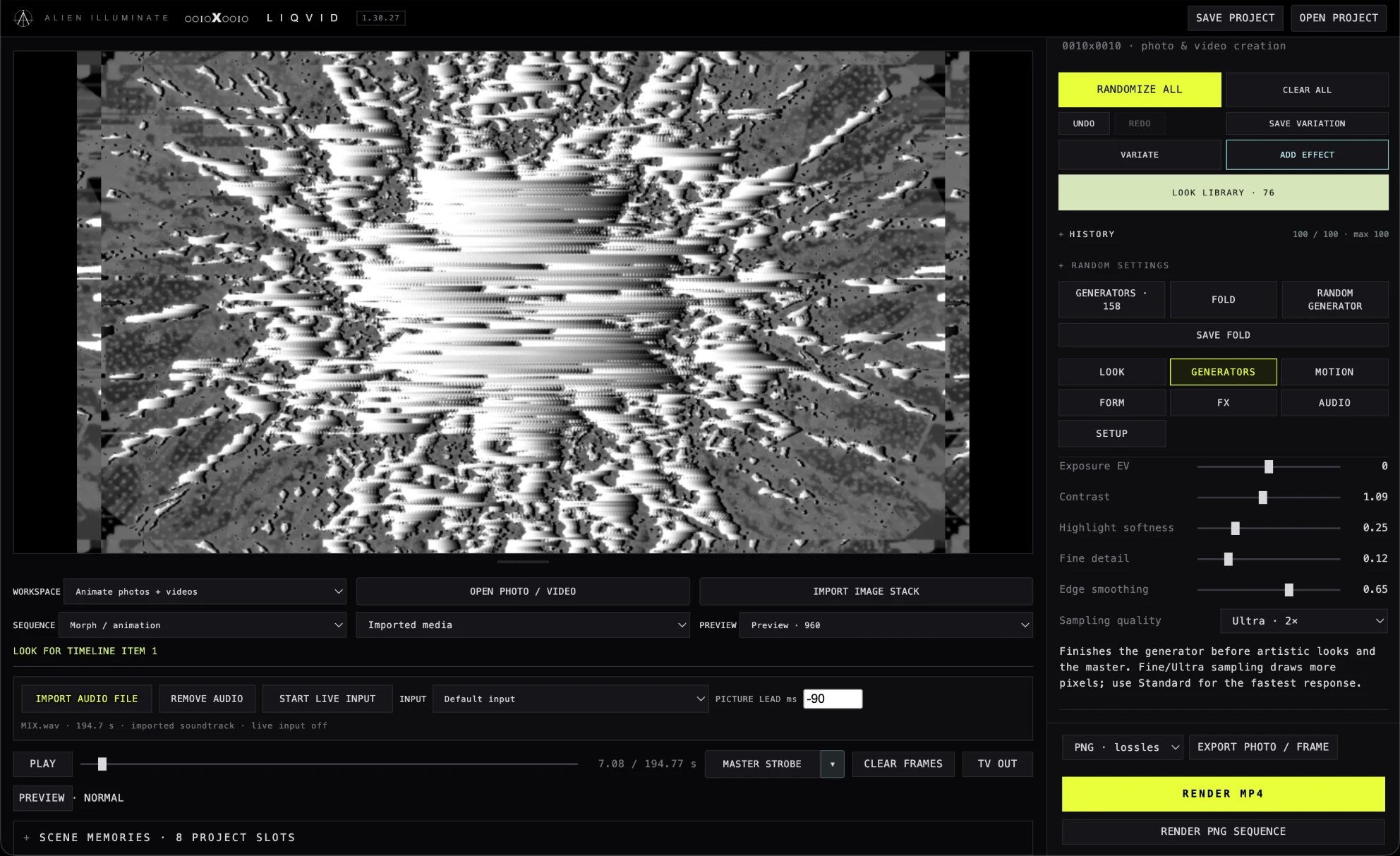
Exposure, contrast, highlight softness, fine detail and edge smoothing finish the generator before looks and the master. Sampling goes up to Ultra 2× for the cleanest lines.
▤
FX
Four effect slots, FX 1 to FX 4, each with its own effect and controls. ADD EFFECT drops a new one into the chain.
♫
Audio
Import an audio file or start a live input and let sound move the picture. PICTURE LEAD shifts the image against the sound so hits land on time.
⚡
Master Strobe
A strobe on the final output, on one continuous clock across the whole track, after all layers and finishing. Use it with care around photosensitive viewers.
▣
Scene Memories
Eight project slots store whole states of the piece, ready to recall.
✎
Compose & Animate
Add layers over the picture and animate controls over time.
▭
TV Out
Send the picture to a second screen while you work, and preview at a lighter resolution for speed.
158
Generators
76
Looks
4
FX slots
8
Scene memories
1.30.27
Current build
Questions

FAQ

What is LIQVID?
A standalone photo and video studio for the Mac. It animates photos, video and image stacks, adds looks, generators and effects, reacts to sound, and renders finished pieces.
Can I use it on a single photo?
Yes. Switch the workspace to Photo / Video filter, pick a look or roll one at random, and export the result as a lossless PNG.
What can I import?
Photos, video and image stacks for the picture, and an audio file or a live input for the sound.
What can I export?
A still photo or frame as lossless PNG, an MP4 of the whole piece, or a PNG sequence.
Do I have to build everything by hand?
No. RANDOMIZE ALL proposes a complete picture and VARIATE moves it in small steps. You choose what to keep. Everything can still be set by hand on the seven pages.
How is it different from ILLVMIN8R?
ILLVMIN8R is a live visual instrument with two decks and a crossfader. LIQVID is a studio for composing and rendering a finished photo or video piece.
How do I get access?
Click “Request Access” and choose the apps option in the contact form. Pricing and the release date have not been announced yet.
Same Studio

More Instruments

ILLVMIN8R
Visual performance instrument. Make any visual audio reactive.
PVLSE
The full groovebox. Compose through performance.
DRIFT X
Polyrhythmic drum instrument. Voltage becomes rhythm.
Featured & Partnered With
SamsungVarietyVogueForbesDesignboomCulturedMixmagBBC Radio 1